
Using ASpeN
Completion requirements
Spend at least 30 mins on this activity
Go through the activity to the end
Recovering a Login
ASPeN Login Recovery
This video will give you an overview. The steps are listed below.
Go to the ASPeN main page and click the Login on the right hand side of your screen
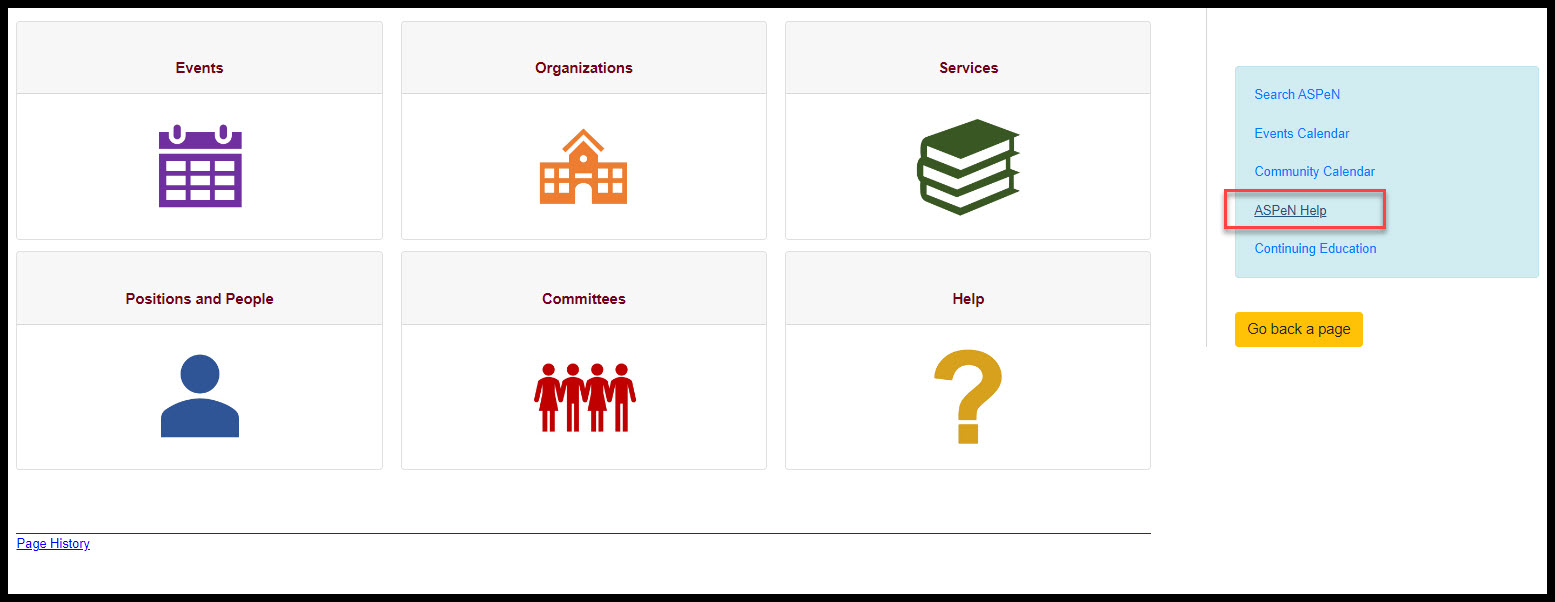
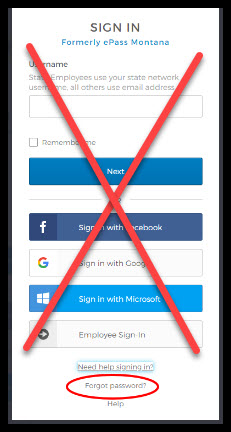
A sign in page will open.
Click on the Forgot Password? link.
Input the Email address you used to create your OKTA account, or if you don't remember doing that, try using the email address you previously used to log into ASPeN.
If you cannot access your Email select the Can't access email link at the bottom of the box.
If you cannot access your email you will be directed to reach out to an administrator for additional help. You can call the number listed, for assistance, or you can open a helpdesk ticket using the buttons below.
Select the button that best describes your situation: